Call Casey by name.
Get a concise spoken answer first, then ask for the longer explanation.
 Back to products
COMING SOON
For Microsoft Teams & Mobile
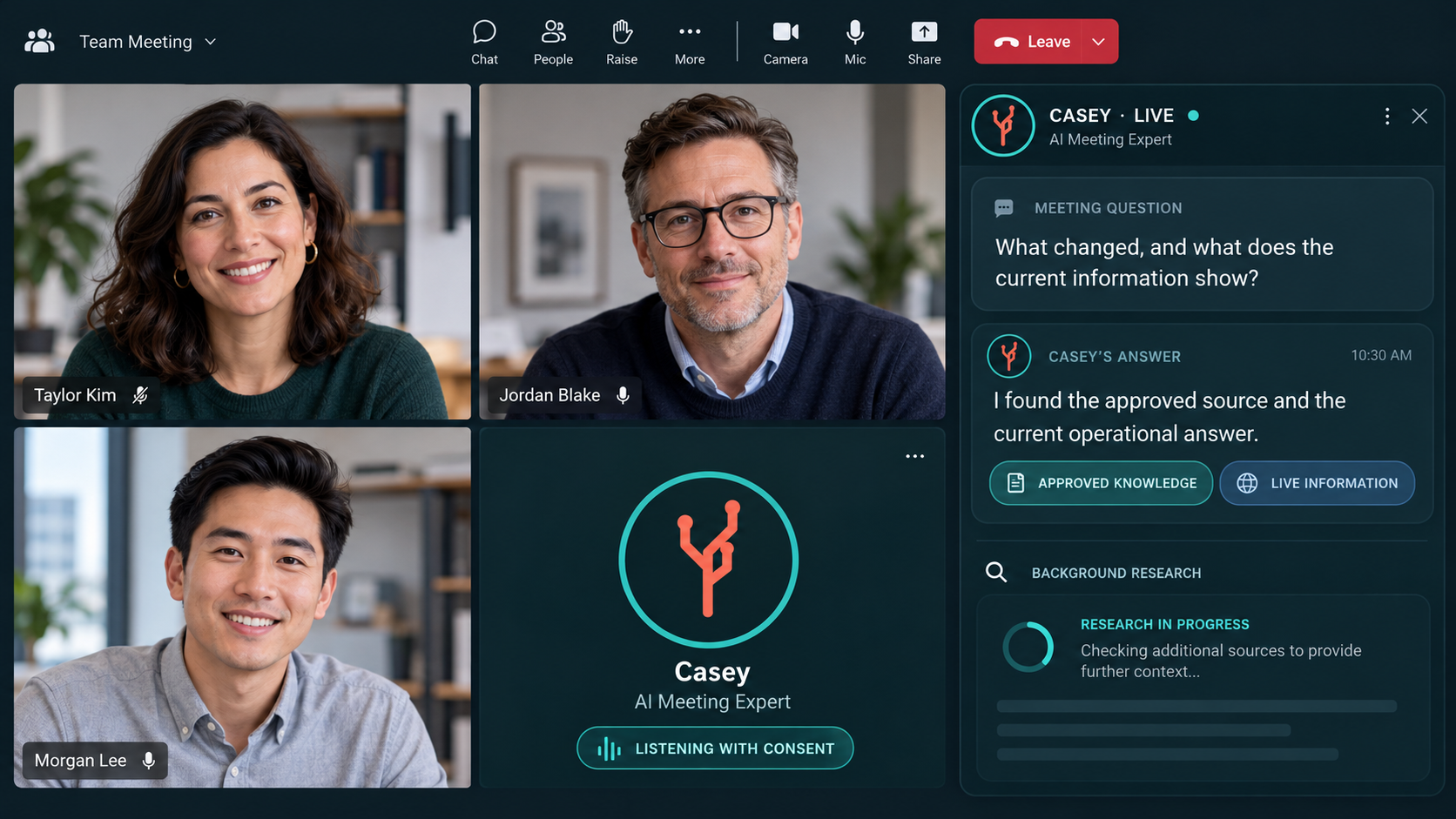
Casey joins the conversation with permission, answers from approved knowledge and live operational information, and researches questions while the meeting continues.
Keep the meeting moving
A question nobody can answer often becomes a week of research, follow-up and another meeting. Casey brings approved knowledge, current information and outside research into the conversation when the team needs it.
Get a concise spoken answer first, then ask for the longer explanation.
Casey works in the background and announces when the briefing is ready.
Company knowledge, live information and public research remain clearly identified.
What Casey does
Casey is a subject-aware participant designed to answer, investigate and connect the meeting to the information behind the work.
Casey retrieves the relevant parts of your documents and knowledge packs, answers aloud and identifies where the answer came from.
Ask Casey to investigate a topic. The conversation carries on, and Casey announces when the briefing is ready.
With transcription enabled, Casey understands references to earlier discussion and remembers his own answers for the rest of the call.
Require Casey to wait for his name, or allow him to offer help when a genuine question is left unanswered.
Paired with LLModelQuery, Casey can present a governed, read-only answer from connected operational systems.
When enabled, meeting notes preserve the discussion, Casey’s answers and the research completed during the call.
One expert, two ways to work
Casey is being prepared for Microsoft Teams meetings and mobile use in rooms, site visits, labs and other work that does not happen on a screen.
Follow a consented meeting, answer aloud, carry out background research and prepare notes when transcription is enabled.
Hold to ask one question or enable continuous listening after reading the consent notice to the room.
Tailscale private network. Only your own admitted devices can reach Casey; the service is never open to the public internet.
The mobile experience
Use the main listening screen, start research without stopping the conversation, and open the controls you need for the people and meeting in front of you.
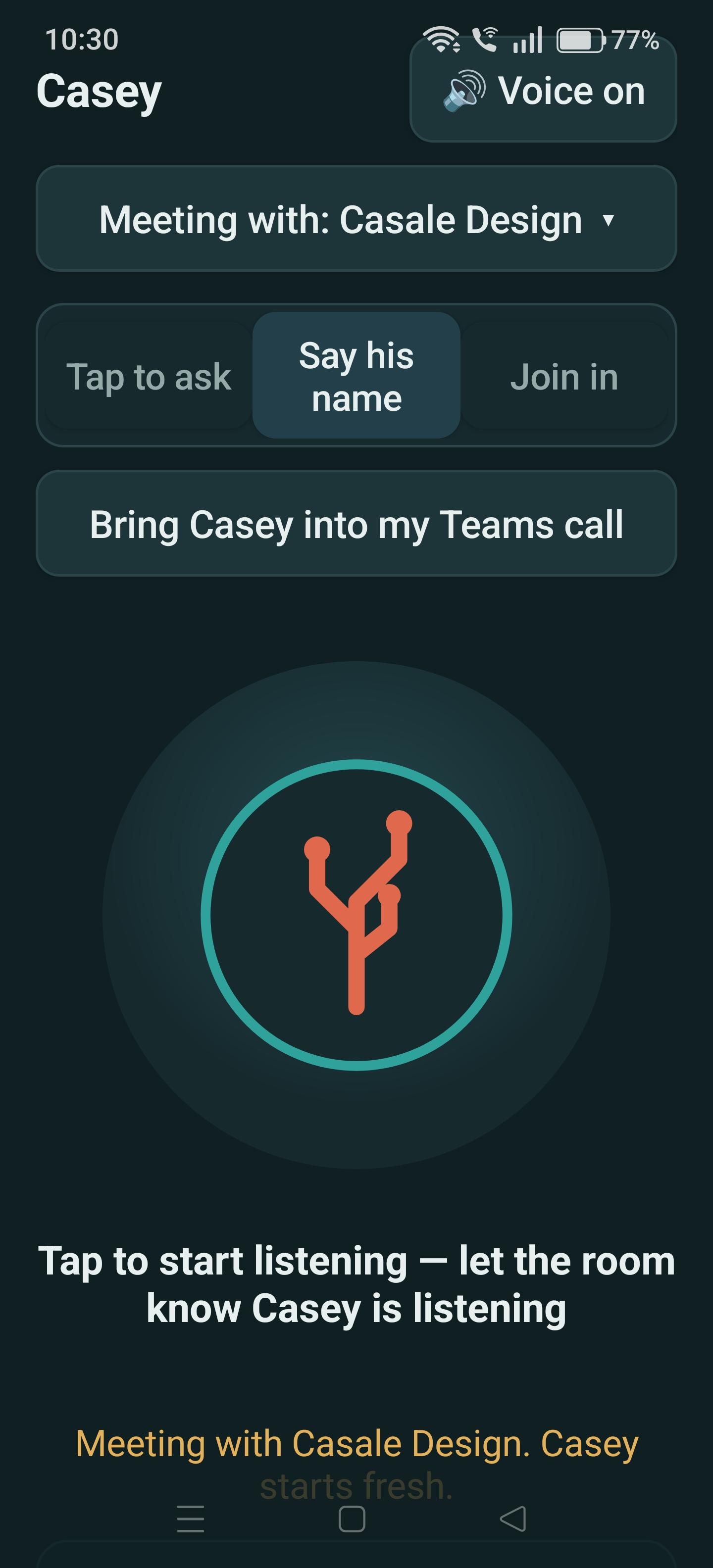
Choose the meeting, control when Casey listens and bring Casey into a Microsoft Teams call.
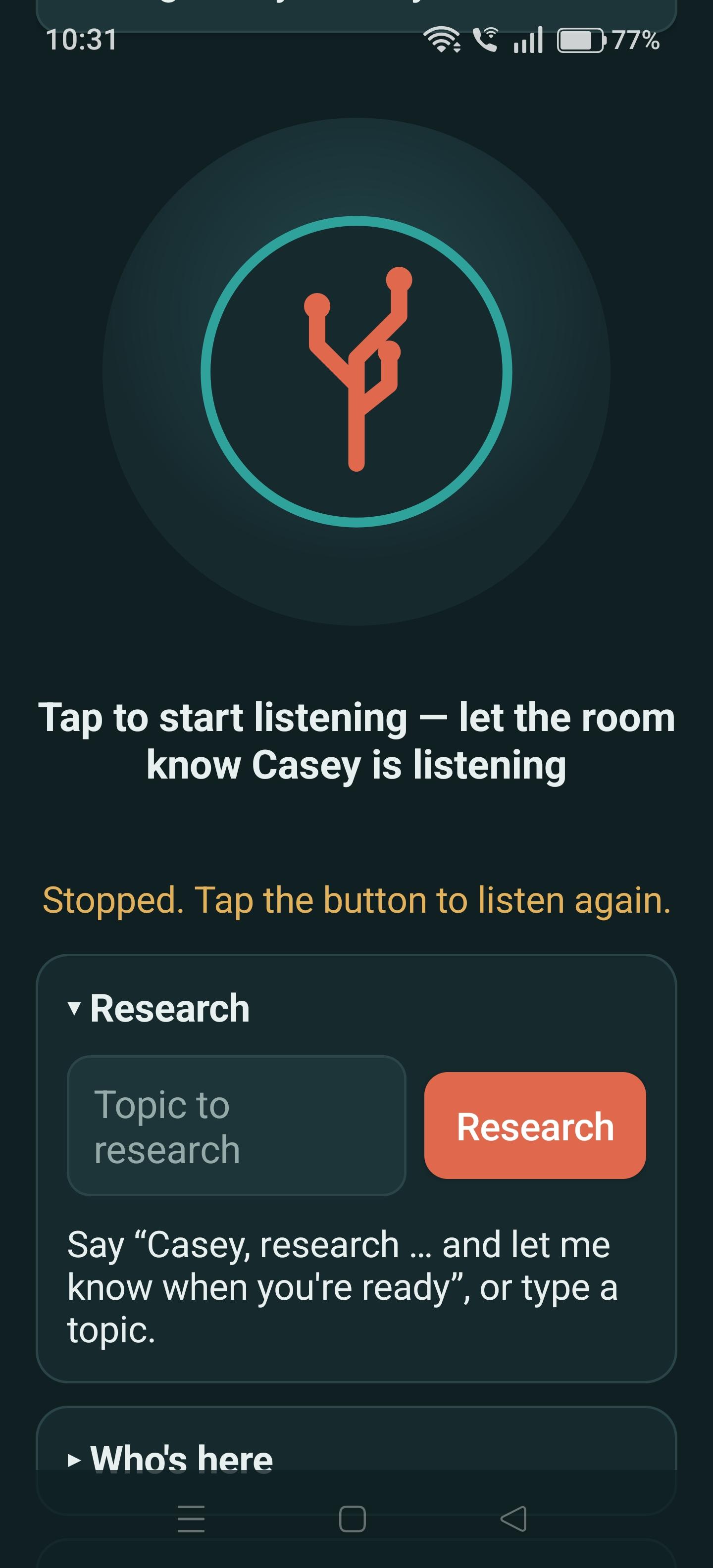
Ask Casey to investigate a topic while the room keeps working, then return when the briefing is ready.
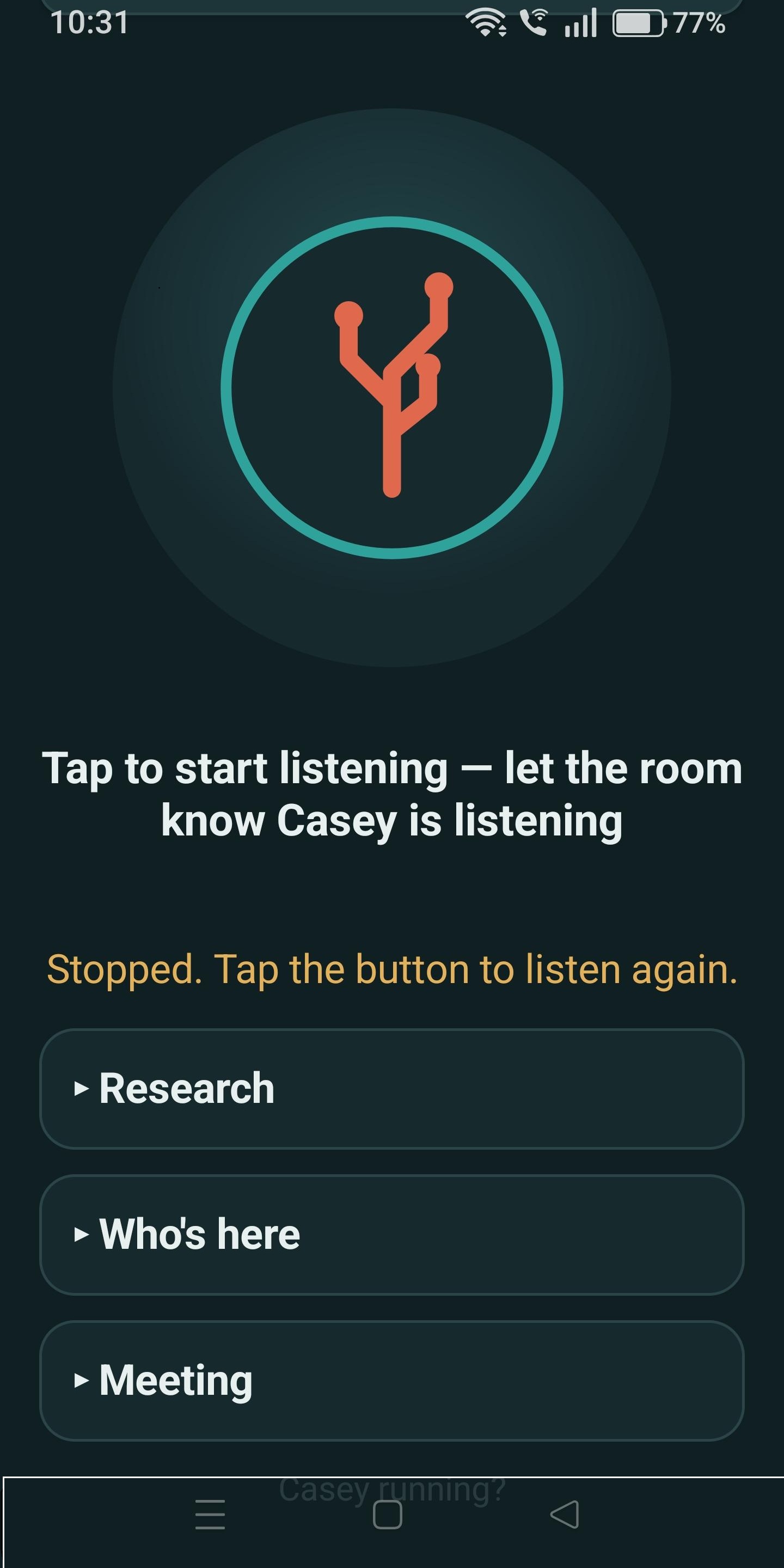
Open Research, Who’s here and Meeting options only when they are needed.
Consent and control
Teams decide when Casey can listen, what context is retained, when he may speak and which AI environment handles the work.
Casey does not listen until the room has agreed.
Turn transcription off and Casey receives only the question addressed to him.
Answers distinguish approved knowledge, live information and public research.
Proactive contributions can be disabled so Casey speaks only when called.
Use your own OpenAI or Anthropic business account and provider agreement.
Run Casey with a private model when questions and results must remain inside a dedicated AI environment.
Live operational information
When paired with LLModelQuery, Casey can turn a spoken question into a governed, read-only request against connected operational systems. LLModelQuery runs the query inside your environment; Casey receives the resulting answer and the limited supporting rows needed to explain it aloud and keep the context during that meeting.
The boundary is explicit. LLModelQuery on its own does not send database rows to an LLM. When Casey presents a live-data answer, that specific answer and limited supporting result may be sent to your selected AI account. A private-model deployment keeps that material inside your dedicated AI environment.
Built from our own work
Casey began as an internal product: an expert that could join our calls, travel on a phone, understand our subjects and research what the meeting needed next.
Casey · Coming soon
Request early access to Casey for Microsoft Teams and mobile.